






Your recordings stay on your Mac
Buggie keeps only a rolling buffer of the last few minutes and saves nothing unless you flag something. Speech is transcribed by macOS, sites you exclude leave nothing behind, and your keys stay in the Keychain.
Buggie is a Mac app for testing your product out loud. Everything you say becomes a task your coding agent can finish.
How it works
Buggie lives in your menu bar and keeps the last few minutes of your screen. When something’s off, just say so — Buggie does the writing.
Keep clicking through your app and say what you notice. Buggie transcribes as you speak and turns each remark into its own item — a bug, an improvement or a new feature.
Circle the spot or scribble a note right on the screen. The drawing is kept with the moment, so nobody has to guess what you meant.
Press Fix and pick who does the work — Claude Code, Codex or another agent on your Mac, or AmpCode Orbs in the cloud. Or file it as an issue for later.
Every task comes back to you. Answer the agent’s questions, correct it, or send it back — right on the capture.
One sentence in
“The checkout total ignores the discount code.”
A complete task out — with the clip, your clicks and the browser’s console attached.
Buggie in action
70 seconds, with sound: a checkout that ignores a discount code, and a Mac notes app that needs search.
The shop and the notes app are demo apps built for the film. The agents’ work is illustrated.
Your agents
Buggie doesn’t write your code — it gives your coding agent a task it can actually finish. Agents on your Mac pull tasks from Buggie over MCP. AmpCode Orbs run in the cloud, started by Buggie.
Not for an agent yet? File it to GitHub, GitLab, Linear or Jira with the clip attached.
Private by design
Buggie keeps only a rolling buffer of the last few minutes and saves nothing unless you flag something. Speech is transcribed by macOS, sites you exclude leave nothing behind, and your keys stay in the Keychain.
Buggie prepares the task and the evidence. You decide when an agent works on it, and every result comes back to you to review, correct or send back.
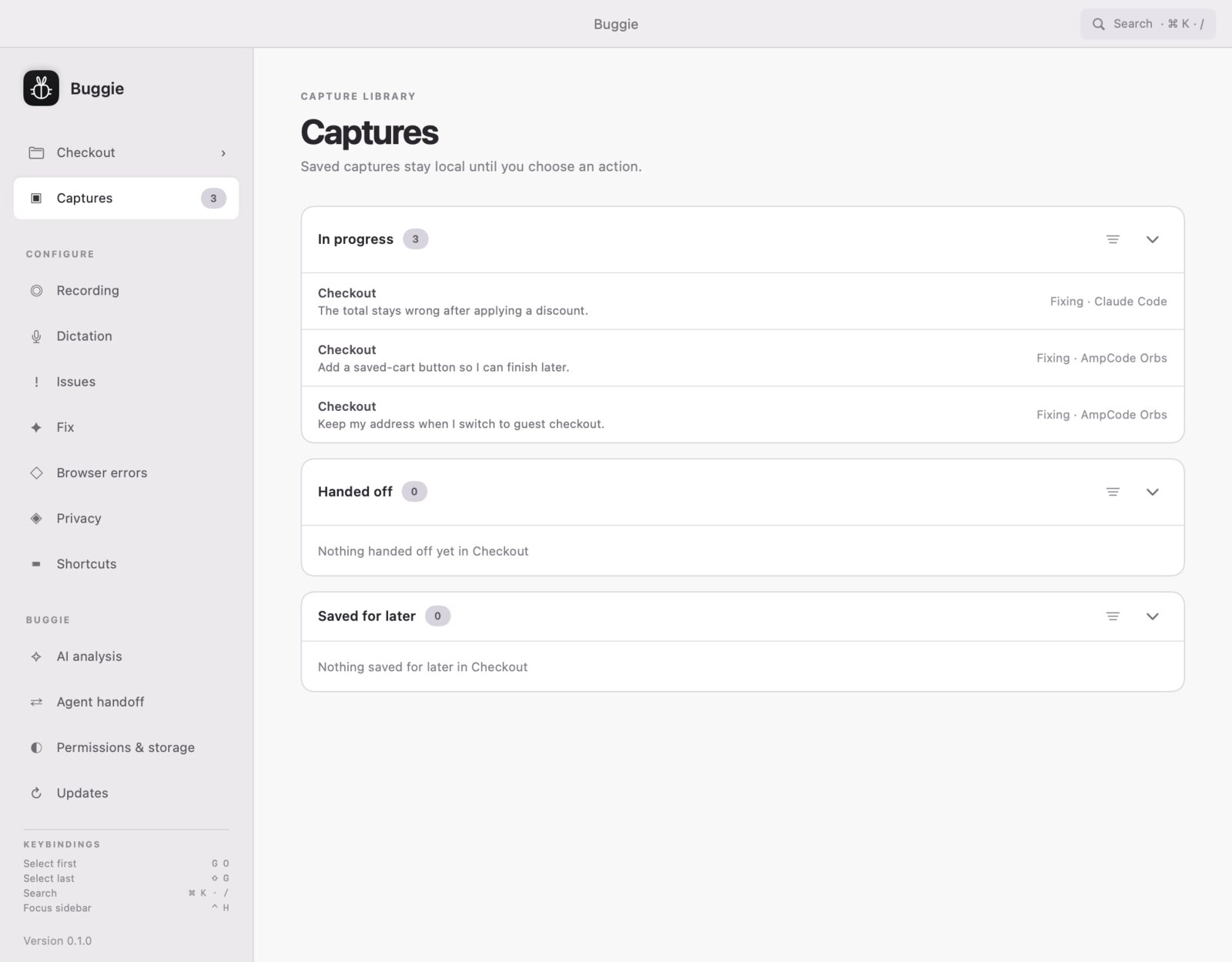
It lives in your menu bar, records only while you tell it to, and updates itself quietly.
Early access · macOS 14 or later

Frequently asked questions
A Mac app for anyone who tests a product. You use your app and talk; Buggie keeps the last few minutes of your screen and turns each thing you say — a bug, an improvement or a new feature — into a task with the clip, your clicks and the browser’s console attached. Then it hands the task to a coding agent or your issue tracker.
On your Mac, any agent that speaks MCP can pull tasks from Buggie — Claude Code, Codex, Cursor Agent, OpenCode and others. For cloud runs, Buggie starts AmpCode Orbs for you. You can also file tasks to GitHub, GitLab, Linear or Jira.
No. Buggie prepares the task and the evidence. Your agent does the work once you hand a task over, and the result comes back to you to review.
No. Buggie records a display, a window or a single app, so anything on your Mac works. For web apps it can also read console errors, network requests and the element you clicked from Chrome — you start Chrome with remote debugging, no extension needed.
The one you connect: sign in with ChatGPT, use an OpenAI or Gemini key, or let the coding agent on your Mac do the analysis. Buggie sends one capture at a time.
In a library on your Mac. A capture goes to your AI when it’s analyzed, and to an agent or tracker only when you choose.
macOS 14 or later and the Screen Recording permission. A microphone if you want to talk to it, and Chrome if you want browser details.